In many organizations, documents remain central to operations—whether they are accounting records, tax documents, contracts, HR files, or project documentation. As document volumes grow, so do the risks of misfiling, physical damage, loss, and inappropriate access.
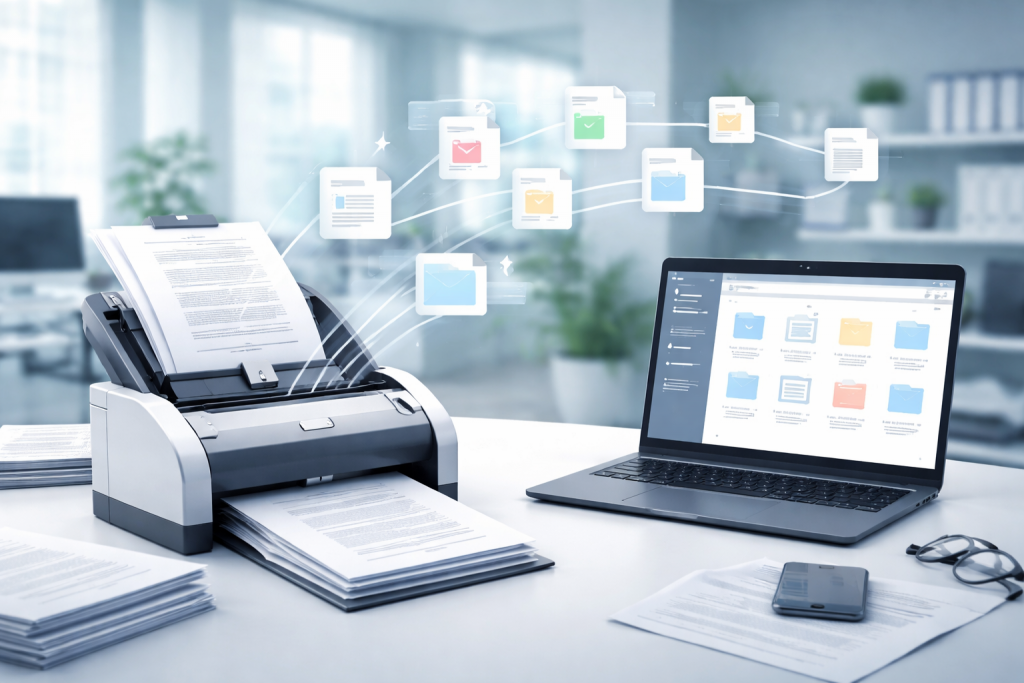
Document scanning is a key step in transforming paper records into digital files, enabling organizations to store, search, share, and control access more efficiently—while improving operational speed and governance.
What Is Document Scanning?
Document Scanning is the process of converting paper documents into digital files such as PDF or image formats (JPEG/PNG). It is often combined with OCR (Optical Character Recognition) so that documents become text-searchable, making them much easier to retrieve and manage.
This is especially valuable for organizations looking to reduce reliance on paper and improve efficiency through a structured digital workflow.
Benefits of Document Scanning for Organizations
1) Faster search and less time spent on paperwork
With a well-organized filing structure and consistent naming conventions, documents can be found in seconds instead of manually searching through folders and cabinets.
2) Reduced risk of loss or physical damage
Paper records can be damaged by water, humidity, fire, or improper storage. Maintaining digital copies reduces risk and improves business continuity.
3) Easier sharing and collaboration
Scanned files allow teams to access documents based on assigned permissions, route documents for approval or review quickly, and reduce the need for multiple physical copies.
4) Stronger access control and auditability
Digital documents can be protected through role-based access, usage logs, and policy-based retention—supporting organizations that prioritize security and compliance.
Document Types Commonly Suitable for Scanning
- Accounting and tax documents (invoices, receipts, tax documents)
- Contracts and legal records (certificates, official documents)
- HR documents (forms, employment contracts, employee profiles)
- Project documents (drawings, meeting minutes, delivery notes)
- Records that are used repeatedly or retrieved frequently
Recommended Standard Document Scanning Workflow
- Sort and prepare documents (remove staples/clips, arrange by document set)
- Define file format and resolution (e.g., PDF/A for long-term storage, or PDF + OCR for search)
- Scan and perform quality checks (clarity, missing pages, duplicates, page order)
- Apply file naming rules and folder structure (by year, department, document type, or reference number)
- Perform indexing and/or OCR to improve retrieval accuracy and speed
- Deliver and store securely (permissions, backup plan, version control where relevant)
How to Define Scanning Specifications
- General use: 200–300 dpi is usually sufficient
- Documents requiring strong OCR accuracy: 300 dpi with clean, sharp scans (avoid shadows and skew)
- Long-term archiving: consider PDF/A and robust backup measures
- Color documents / stamps / seals: scan in color when needed for evidentiary accuracy
Security and Personal Data Considerations
Document scanning often involves confidential and personal data. Organizations should establish clear controls, such as:
- Restrict access based on job roles (role-based access control)
- Store files in systems that support access logging and permission control
- Define digital retention periods and secure disposal procedures
If outsourcing, clearly define scope, confidentiality obligations, and handling standards with the service provider